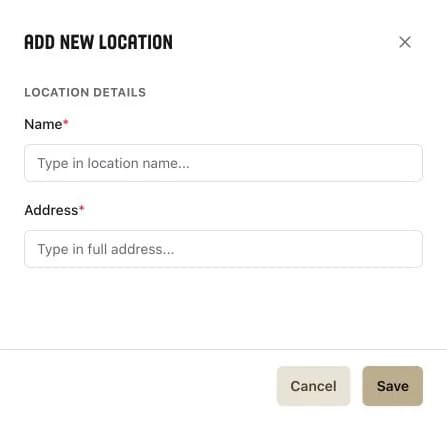
Add a gym or another training location
Create a venue once and reuse it for your team sessions.
Where to go: Team page / Locations or Settings / Locations
Step by step
- On the team page, open Locations and select Add new location.
- Complete the required Name and Address. Choose a name that distinguishes the gym, court or training room.
- Click Save, then check the team location list.
- If the location already exists in the workspace, select Use for this team under Other locations in this workspace.
- You can then choose the location in a practice plan or calendar note.