Run the session and record your review
Follow a saved plan, record observations and reuse the session.
Where to go: Saved plan / Plan overview, Notes, Roster
Step by step
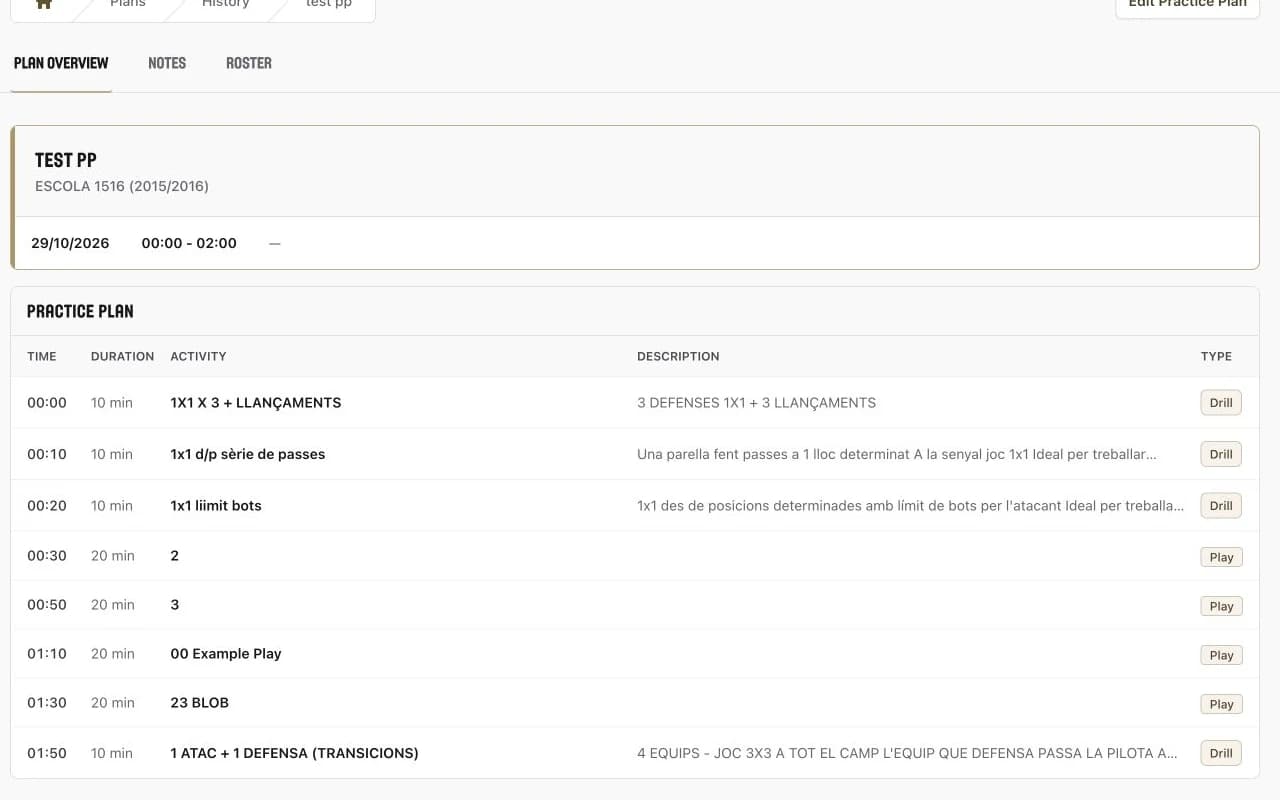
- Open the saved plan and check its date, times, team and activity sequence in Plan overview.
- Click an activity title to access its drill or play while working with the plan.
- Use Notes to review notes and Roster to review participants. Edit Practice Plan opens editing.
- After practice, complete Notes during / after practice and save the plan. Use your observations when planning the next session.
- Copy & create new starts another plan based on this one. Check the new date and participants before saving.