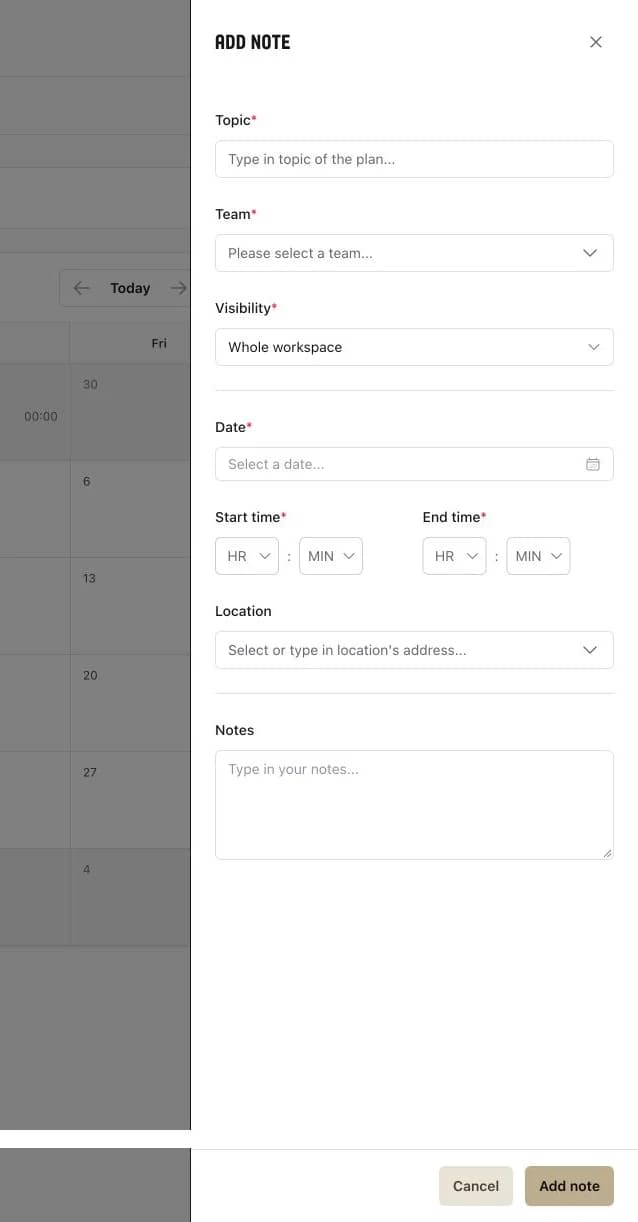
Add an organisational note
Add a shared or personal calendar note with a time and venue.
Where to go: Calendar / Add note
Step by step
- Select Add note. Enter Topic and choose Team.
- Under Visibility, choose Whole workspace for a shared entry or Only me for a personal note.
- Set Date, Start time and End time. Choose Location if needed.
- Use Notes for details such as a staff meeting topic or equipment reminder. Confirm with Add note.
- Find the entry on the correct day and check its team and visibility.