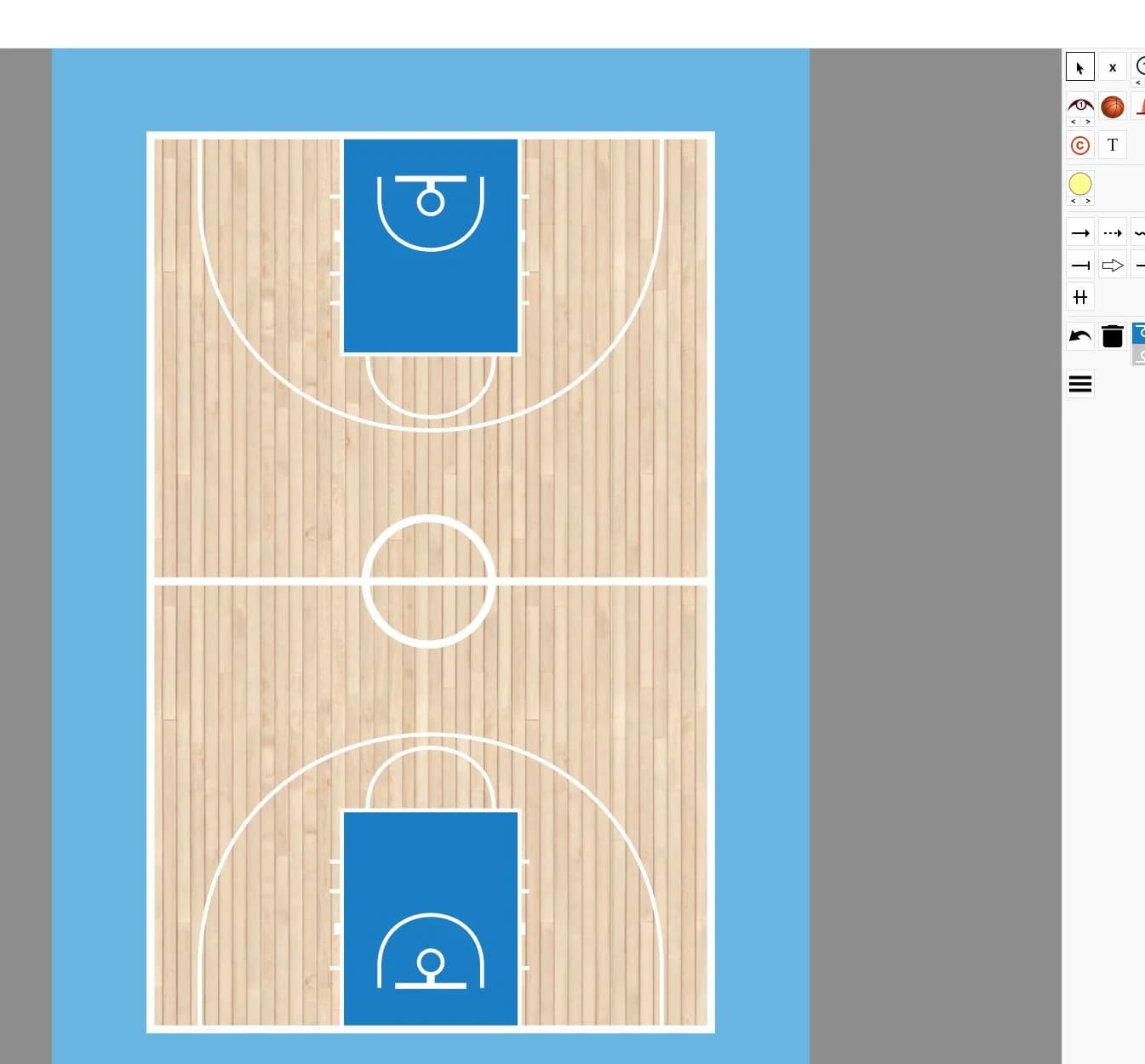
Draw player positions and movement
Draw players, movement, passes and screens on the court.
Where to go: Drawing Tool or Add graphic / Add graphics
Step by step
- Choose a tool, then use a pointer or touch on the court. O: offensive player, D: defensive player, B: ball, N: cone, C: coach.
- Use M for movement, P for passing, R for dribbling, S for a screen, T for a shot and H for a handoff. W adds text; A highlights an area.
- Use Select / move elements to reposition objects. Escape returns to selection, Delete removes the selected object and Undo reverses a step.
- Switch between full and half court and adjust court colours if needed. More drawing tools opens further options.
- Save & New saves a graphic and starts the next one; Save & Close saves and closes. In a resource editor, also save the complete drill or play.