Plays: descriptions, diagrams and exports
Build plays, manage diagrams and export tactical resources.
Where to go: My Drills & Plays / My Plays
Step by step
- In My Plays, choose Create new play. Enter Name, Description, categories and tags, then add diagrams under Graphics.
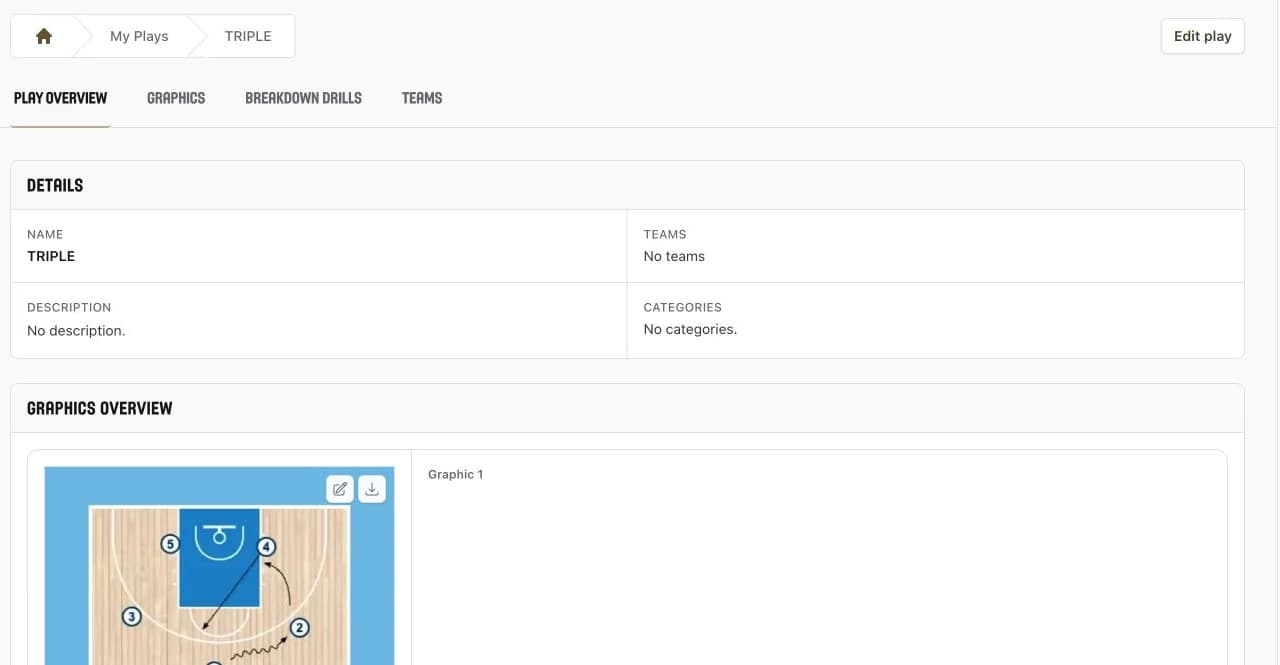
- In a saved play, Play Overview brings together its description. Graphics shows drawings; Teams shows team associations.
- Edit play opens editing. Copy & create new starts a variation based on the current play.
- Download graphic downloads one PNG; Download all graphics provides the set.
- Use Create PDF for printing; you can preview the file before downloading it. After editing, check the resource against the team's current tactics.