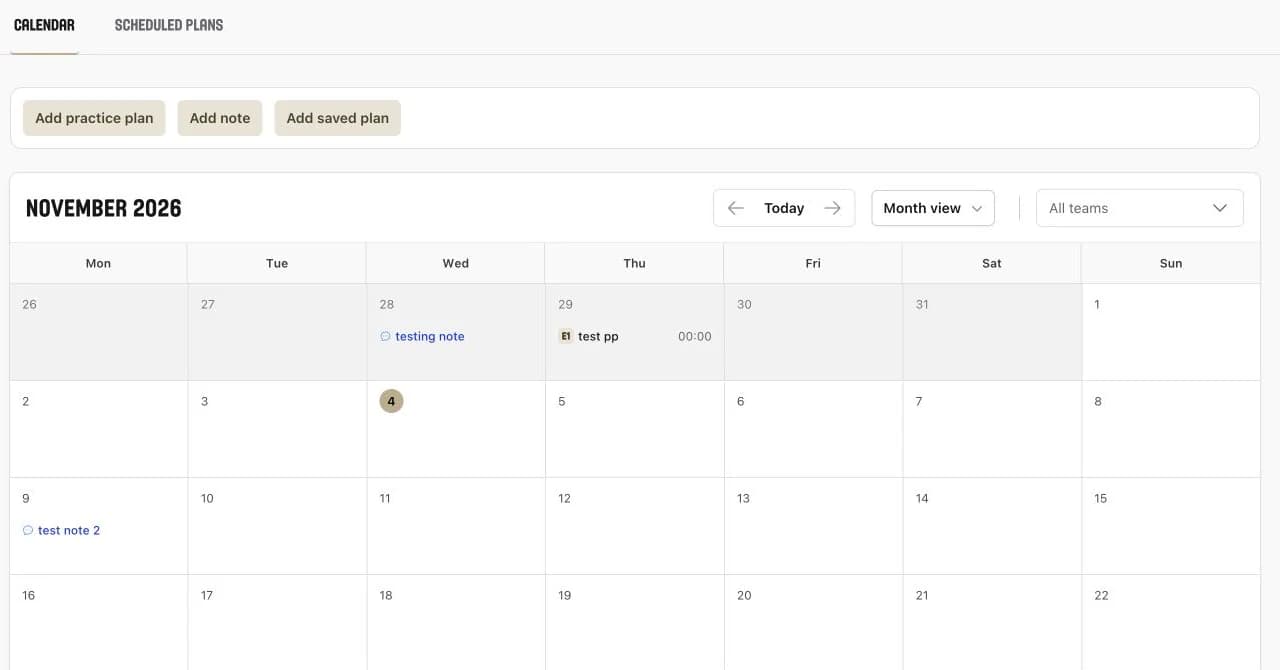
Calendar: find the right day
Find sessions and notes by date and team.
Where to go: Calendar
Step by step
- Open Calendar. Use Previous month and Next month to change the month; Today returns to the current date.
- Calendar view selects an available view. The team filter limits the calendar to a selected team.
- Click a day to open its view, or an existing entry to open its practice plan or note.
- Add practice plan starts a session; Add note creates an organisational entry; Add saved plan starts from a saved plan.