Add a coach to your staff records
Record staff members, their roles and team assignments.
Where to go: Roster / Coaches / Add new coach
Step by step
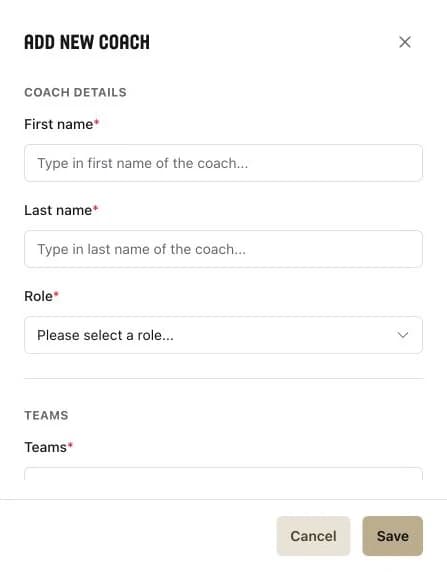
- In Coaches or on the team page, click Add new coach.
- Enter First name and Last name, then choose a role: HC, AC, S&C, Mental, Video or Other.
- Select the Teams for this record. Click Save, then check the team page.
- Add new coach creates a staff record. Inviting a user to collaborate is a separate process under Invite new coach.