Tags: agree a shared system with your staff
Use shared labels to organise resources across your workspace.
Where to go: Settings / Tags
Step by step
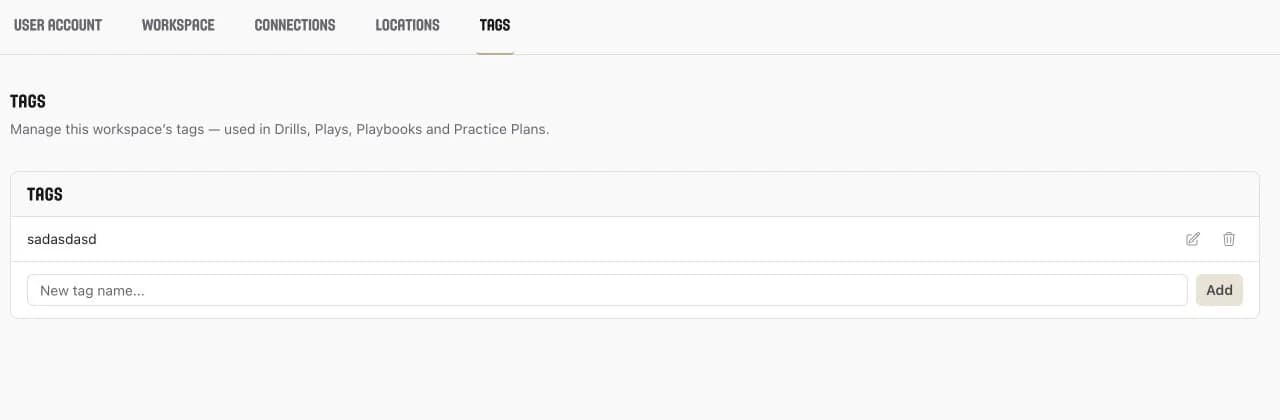
- Open Settings > Tags in the correct workspace. Tags are used in drills, plays, playbooks and practice plans.
- Type a name in the input and select Add. Existing tags have Edit tag and Delete tag options.
- Use the Tags field in resource forms to apply your shared labels.
- Agree a small set of clear names such as "U16", "close-out" and "repeat". Check existing tags before creating synonyms.