Playbooks: organise your team system
Collect plays into a playbook and associate it with teams.
Where to go: My Drills & Plays / My Playbooks
Step by step
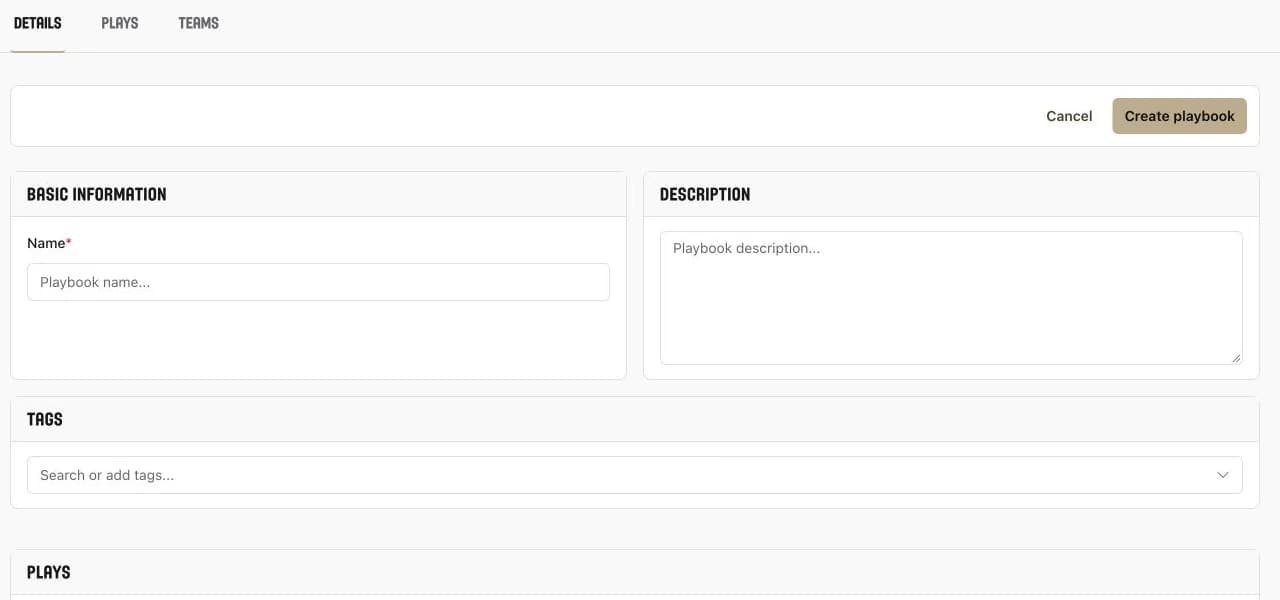
- Select Create new playbook. In Details, enter the required Name, description and tags.
- Use Add plays or the Plays tab to choose plays. The selection panel offers My Plays and Public Plays.
- Use search, filters and Selected only to review your selection before clicking Save in the panel.
- Use Add teams or Teams to associate the playbook with teams. Check that you have the right season.
- Create playbook saves the new collection. Open it from the list and check its resources and team associations.