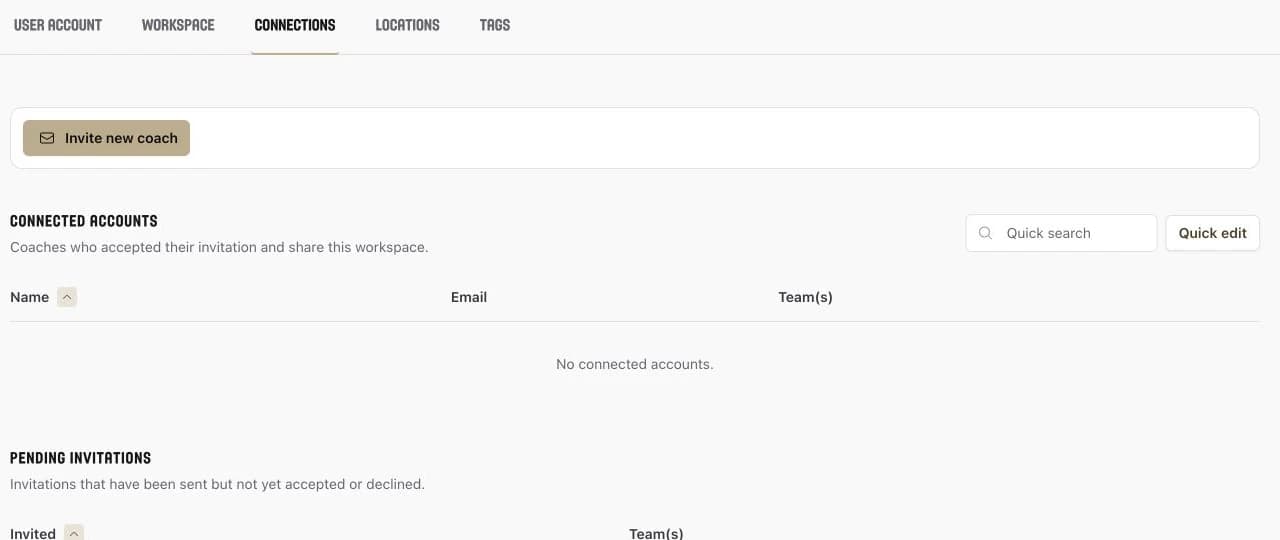
Review invitations and connected accounts
Check accepted connections and pending invitations.
Where to go: Settings / Connections
Step by step
- Open Settings > Connections in the workspace where you want to manage collaboration.
- Review accepted connections in Connected accounts. Use Quick search to find a coach.
- Review Pending invitations for people who have not yet accepted or declined.
- If the table is empty, check the workspace first. Available actions for each person appear in the Actions column.