Articles, attachments and news
Read coaching articles, open attachments and check announcements.
Where to go: Articles and News
Step by step
- In Articles, find a resource using Quick search, Filter and Sort, then open its card.
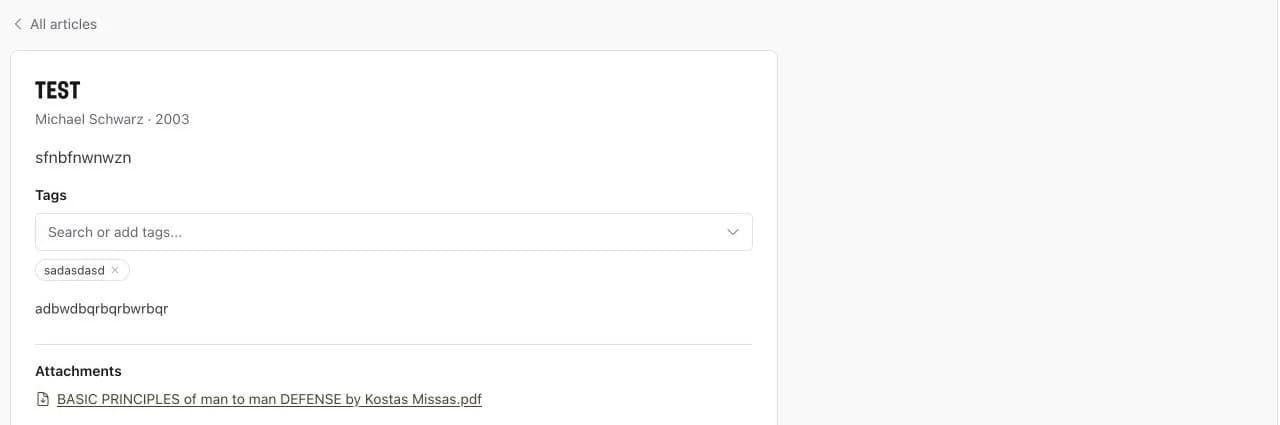
- Read the description, author, year and Tags. Under Attachments, click a document name to open or download it.
- Check News for application announcements and new features. An example announcement covers workspaces and the responsive interface.
- Remove from my news removes an item from your own news list. It is not a mark-as-read button.